
SEARCH
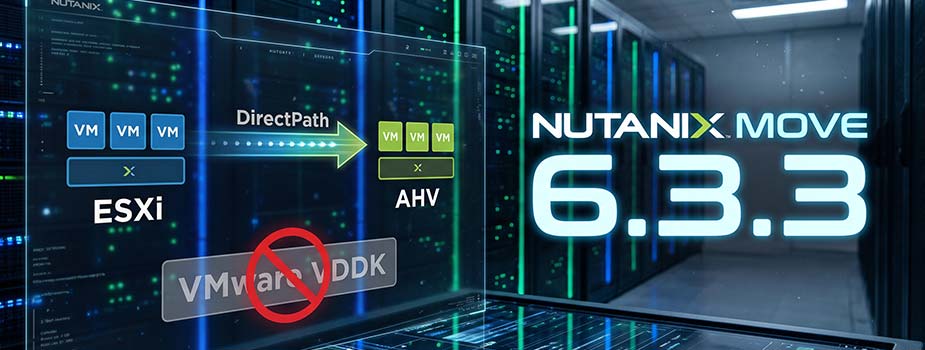
Nutanix Move 6.3.3 brings DirectPath, which migrates your VMs from ESXi to AHV without the VMware VDDK. I go through the release notes and what to know first.
I launched ntnx-mastery.com, a free portal to prepare for Nutanix certifications: blueprint-based courses, 1800 practice questions and timed mock exams.
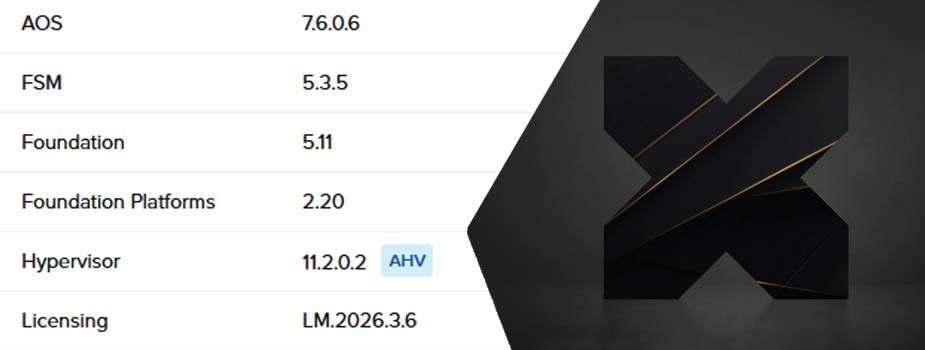
What I learned upgrading our production clusters and my homelab to AOS 7.6.0.6, AHV 11.2.0.2 and Prism Central 7.6: upgrade order, a vSwitch alert, Secure Access and the features I have not tried yet.
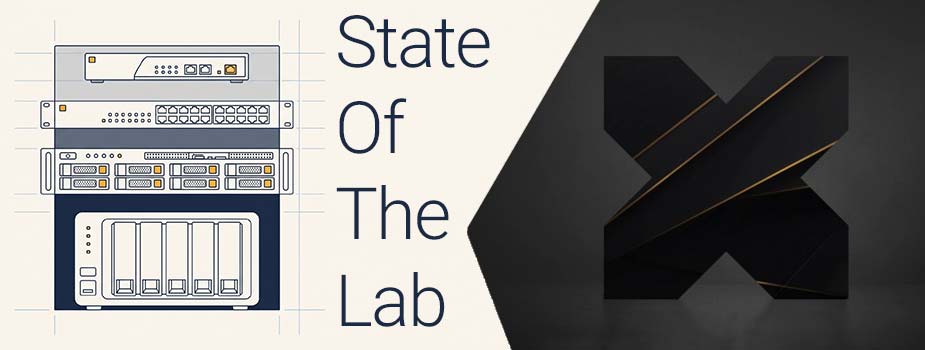
Before rebuilding my Nutanix homelab, here is the inventory: a CE cluster in the garage, two or three test VMs, and everything that was missing.

My IPMI vanished from the network after an address and VLAN change. Here is how I found it again over IPv6 link-local, on Windows 11 and Rocky Linux.
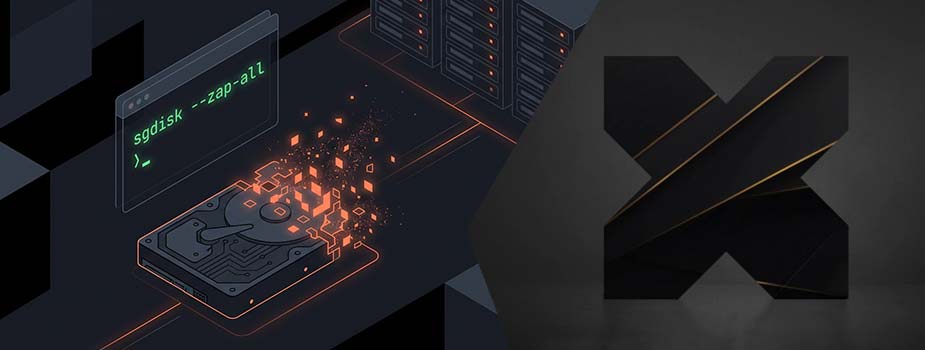
Nutanix CE node reinstall stopped by a Phoenix crash (special device does not exist): why the installer fails and how to wipe the boot disk and LVM metadata.

Lost the IPMI password on a Nutanix or Supermicro node: reset it from the host OS with ipmitool or IPMICFG, with a BMC factory reset as a last resort.

Nutanix AHV VM Startup Policies set the order in which VMs restart after an outage: when they apply, how to create a policy and the traps to avoid.

OpenClaw prerequisites on an Ubuntu VM running on Nutanix AHV: NVIDIA drivers, Node.js 24, Ollama with Qwen 2.5, Docker, SearXNG, Homebrew and GCC.

My old Nutanix Guest Tools install procedure fails on Rocky Linux 10. Here is the working one: mount the ISO from Prism Central, then install the RPM with dnf.

Nutanix set the end of life of Bash Shell Access in late January 2026: why the REST API replaces SSH, the tools to know and the built-in REST API Explorer.
Installing OpenClaw on an Ubuntu VM on Nutanix AHV with a Tesla P4 in passthrough: NVIDIA drivers, Node.js, a Caddy reverse proxy and network lockdown.
Why I deployed OpenClaw, the open source AI agent, on my Nutanix AHV cluster, and the tech stack I chose to run a private AI locally.

Set up a Windows PC to query the Nutanix API before SSH goes away: WSL as the base system, Postman as the API client, and a first API call.

Deploy an Ubuntu Server 24.04 VM with an NVIDIA Tesla P4 GPU on Nutanix AHV: passthrough mode, NVIDIA server-branch drivers, then checks.

Two 42U racks replaced by 6U of Nutanix: how an HCI node works, the real strengths of hyperconvergence and the weaknesses the marketing leaves out.

Gracefully shut down a Nutanix AHV cluster over SSH: NCC and resiliency checks, VMs and Prism Central, cluster stop, CVMs then hosts, and the cold boot.

Monitoring Nutanix with Centreon node by node instead of through the cluster VIP: limits of the default Plugin Pack and filtering with the FILTERNAME macro.

3-tier architecture, with servers, a SAN fabric and a storage array, carried virtualization for 20 years: how it works, its strengths and its limits.

AOS 7.5, AHV 11.0 and Prism Central 7.5: AES everywhere, compute-only nodes, Elastic VM Storage and locked-down CVM SSH access. What changes and what to watch.

The acli commands I use to check VMs on a Nutanix AHV cluster from a CVM: vm.list, vm.get, then disks, network cards and snapshots for each VM.

Nutanix on OVHcloud: connect a Palo Alto PA-VM gateway to the RTvRack with a WAN zone, ethernet1/1 and a /32 public IP so the cluster reaches the internet.
NTC 2026 registrations are open !

Behind this musical reference lies the annual event organized by Nutanix France: Nutanix .NEXT on Tour!

In this article, I share my complete feedback on the complete reinstallation of a Nutanix cluster at OVHcloud.
In this new article, we will discuss managing storage containers via CLI commands on your Nutanix clusters...
In this new blog post, we'll now see how CLI commands can help us create or modify networks in our Nutanix cluster…
The acli, manage_ovs and Open vSwitch commands I use to check the network configuration of a Nutanix AHV cluster: host interfaces, vSwitches, subnets and VMs.
Nutanix VirtIO 1.2.5 for AHV: Windows memory dumps collected on the host, a new I/O queue setting and a fix for Windows VMs hanging after a disk unmount.

I ran Nutanix Foundation from a Steam Deck to image a Supermicro 5019D-FN8TP node, using a USB-C dock with RJ45 and Windows on an external SSD. It works.
Destroy a Nutanix AHV cluster before selling or repurposing it: power off the VMs, stop the cluster, then destroy it from a CVM. All data is wiped.
Nutanix on OVHcloud: replace the default gateway with a Palo Alto PA-VM, from downloading the qcow2 image to deploying the VM and its basic configuration.

Nutanix X-Ray, Nutanix's benchmarking tool for HCI: measure IOPS, latency and throughput, and test how a cluster behaves when things fail.

At Nutanix .NEXT 2025 in Washington DC, I received the NTC Storyteller award for my work on the blog and social media. What it means to me.

How I got Foundation to run on Supermicro 5019D-FN8TP nodes that Nutanix does not support: hardware compatibility checks, FRU edits and a custom FRU.
In this new blog post, I'll explain how to monitor your Nutanix cluster using Centreon using SNMP v3.
In this blog post, I'll explain how to monitor your Nutanix cluster on Centreon using SNMP v2c.
I invite you to discover the Nutanix offerings on OVHcloud and how they can help transform business infrastructures.

Here's a recap of my first day at .NEXT 2025, which took place in Washington DC from May 7-9, 2025!
It couldn't be a keynote without mentioning the NC2-validated cloud providers (Nutanix Cloud Clusters) and making an announcement!
Cannot delete an empty Nutanix storage container (VDisk(s) not marked for removal): diagnosing it with ncli and deleting the leftover files.
Install Nutanix Guest Tools (NGT) on a Linux VM from the command line: mount the ISO from Prism Central, then install, with Rocky Linux as the example.
Nutanix .NEXT 2025 runs May 7-9 in Washington DC: why attend, the announced highlights and my own schedule for the event.

My complete HYCU Backup guide to protect a Nutanix cluster, in 9 articles: prerequisites, controller, cluster, backup target, jobs and VM protection.
Deploy a Windows VM on Nutanix AHV when setup cannot see the disk: create the VM with the VirtIO ISO attached, then load the drivers during installation.

HYCU Backup upgrade path table from 4.0.0 to 5.1.0: the intermediate versions you must go through to upgrade the controller.
I accidentally deleted one of the virtual machines in my cluster. Luckily, I can restore it with HYCU!
Protecting Nutanix VMs with HYCU: assign a backup policy manually, then automate protection with Nutanix categories.
Now that our HYCU controller is configured and up to date, we now need to protect our virtual machines…
HYCU being a backup software monitored and supported by the publisher, updates will have to be installed regularly.




What others are saying

It's really wonderful. Citadel has surpassed our expectations. Needless to say it is very awesome!

I love Citadel. Keep up the excellent work. Very easy to use. Citadel is a Gantry 5 dream template!

Can't imagine life without it! Citadel has really helped our business. I am so pleased with this theme.